
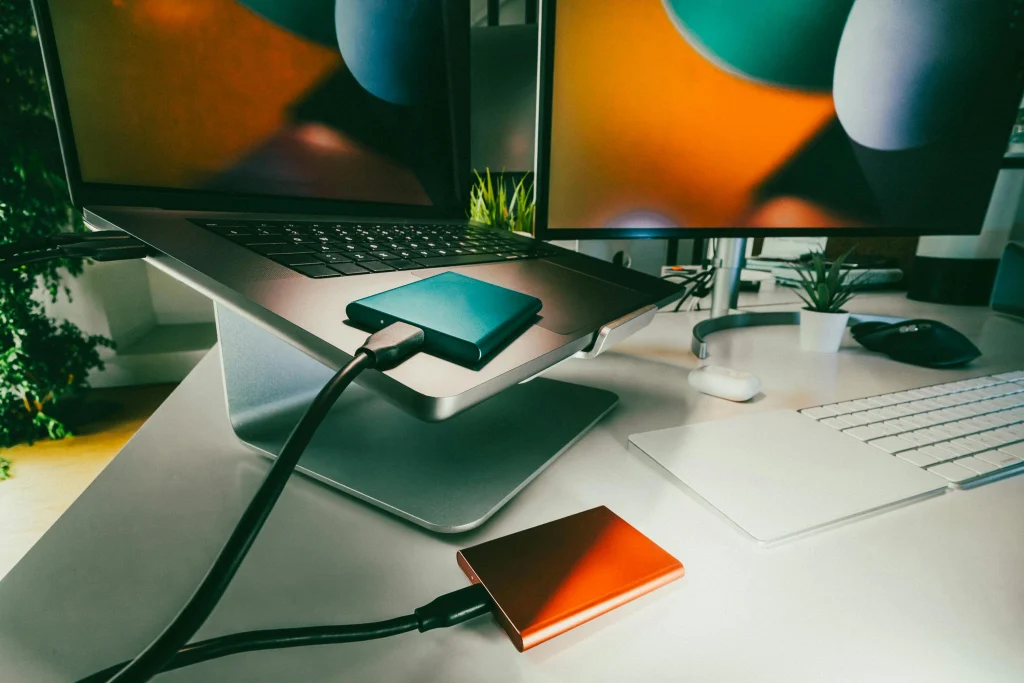
How To Transfer Data To A New Laptop: A Complete Guide
Upgrading to a new laptop should feel exciting, not stressful. The biggest concern most people have is making sure their files, apps, and photos make it safely onto the new computer. At Techtronics iPhone Laptop And MacBook Repair in New York City, we help customers transfer data every day, so we put together this thorough guide for both Windows and Mac users.
You will find real-world examples, clear steps, and different transfer methods so you can choose what fits your situation best.
A Real-World Example
Meet John, a small business owner in Midtown Manhattan. His old Windows laptop is running slow and the battery dies quickly. He buys a new laptop but worries about losing invoices, QuickBooks files, photos, and emails. On top of that, he wants his apps and desktop to look the same.
This is a common situation, and there are several safe ways to move everything over. Some are simple, while others are more advanced. The right choice depends on your comfort level and what you need to transfer.
How To Transfer Data To A New Laptop: A Complete Guide
Upgrading to a new laptop should feel exciting, not stressful. The biggest concern most people have is making sure their files, apps, and photos make it safely onto the new computer. At Techtronics iPhone Laptop And MacBook Repair in New York City, we help customers transfer data every day, so we put together this thorough guide for both Windows and Mac users.
You will find real-world examples, clear steps, and different transfer methods so you can choose what fits your situation best.
A Real-World Example
Meet John, a small business owner in Midtown Manhattan. His old Windows laptop is running slow and the battery dies quickly. He buys a new laptop but worries about losing invoices, QuickBooks files, photos, and emails. On top of that, he wants his apps and desktop to look the same.
This is a common situation, and there are several safe ways to move everything over. Some are simple, while others are more advanced. The right choice depends on your comfort level and what you need to transfer.
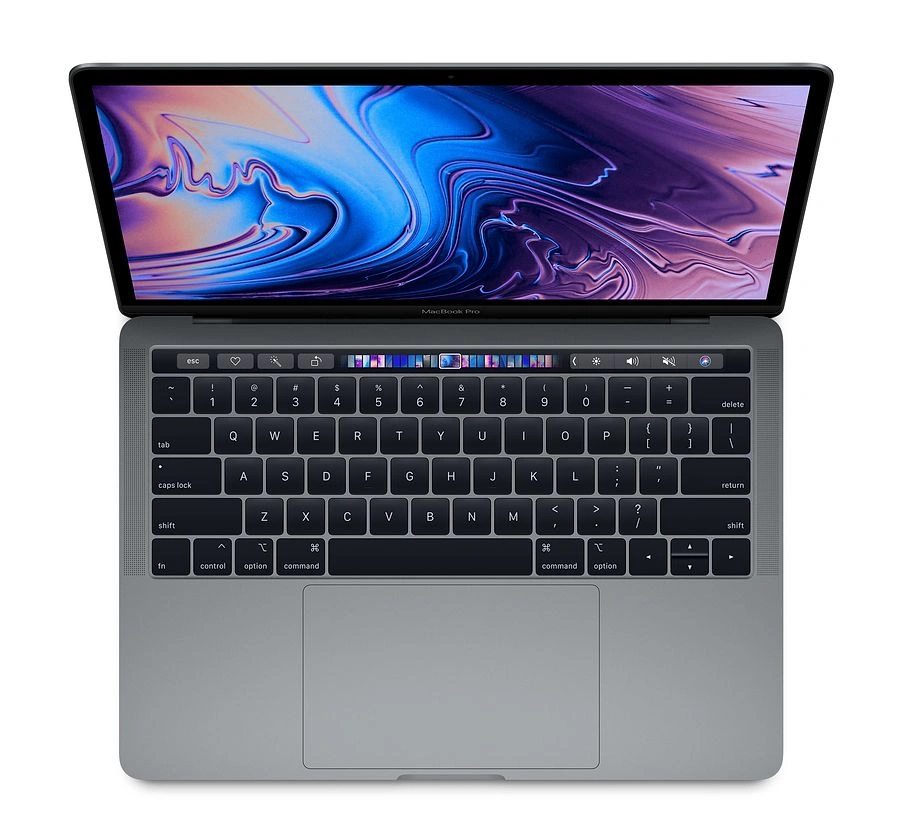
How To Transfer Data To A New Mac Laptop
Option 1: Migration Assistant
This is Apple’s built-in transfer tool.
Steps
- Turn on both Macs
- Connect to the same WiFi or use a cable
- Open Migration Assistant
- Select what to transfer
This can move:
- Documents
- Photos
- Apps
- Settings
Option 2: iCloud Sync
Best for:
- Photos
- Desktop
- Documents
Sign into your Apple ID and enable sync.
Option 3: Time Machine Backup
- Backup your old Mac to an external drive
- Restore to your new Mac
This recreates much of your previous setup.
How To Transfer Data To A New Windows PC
Option 1: OneDrive Cloud Sync
You can upload files and sync them on your new PC simply by logging into your Microsoft account.
Option 2: External Drive Transfer
This is still the most universal method.
Copy:
- Desktop
- Documents
- Pictures
- Downloads
Paste into the same folders on your new computer.
Option 3: Windows Backup And Restore
If enabled, you can retrieve files and certain settings.
Option 4: Cloning Your Old PC Drive Using Third Party Software
This is the most advanced method and is often the closest thing to making your new laptop match your old one.
Drive cloning creates an exact copy of your old hard drive, including:
- Windows installation
- Programs
- Files
- Settings
- Layout
It is especially useful when upgrading to a new SSD.
Popular Cloning Software
- Macrium Reflect
- EaseUS Todo Backup
- Acronis True Image
How Cloning Works
- Remove the old drive or connect it via USB adapter
- Install the cloning software
- Select the source (old drive)
- Select the destination (new drive)
- Start the cloning process
Once complete, the new drive should boot like the old one.
When Cloning Makes Sense
- You want the exact same setup
- You upgraded from HDD to SSD
- You have many programs installed
Possible Risks
- If the old drive has errors, they may copy too
- Driver issues can occur when switching to very different hardware
- Mistakes during cloning can overwrite data
Because of this, many customers prefer professional help, especially when the data is important.
Important Tips Before Transferring Data
- Always make a backup first
- Check storage capacity
- Verify files after transfer
- Keep the old laptop until you confirm everything is safe
What About Email, Apps, And Passwords?
- Gmail syncs automatically
- Outlook can export and import
- Most apps must be reinstalled unless you clone
- Password managers simplify the move
When You Should Get Professional Help
Call in an expert if:
- The laptop is dead
- The hard drive is failing
- You work with sensitive data
- You want everything exactly the same
At Techtronics, we also specialize in data recovery from damaged laptops.
About Techtronics iPhone Laptop And MacBook Repair In NYC
Techtronics provides laptop repair, MacBook repair, data recovery, and data migration services across New York City. With years of experience and thousands of satisfied customers, we make sure your data stays safe during the transfer process. Fast, same day services available.
Top-tier Smartphone, Computer, Laptop Repair, and Data Recovery Services in NYC
At Techtronics, we offer professional, reliable, and fast service at competitive prices. Techtronics specializes in all aspects of electronic repair. With certified repair specialists skilled in integrated circuit board repair.
We stand behind our work with a 60-day guarantee. If anything goes wrong, bring it back, and we’ll make it right.
Contacts
Trains Nearby:
- F,B,D,M,Q,N,R,W @ 34 St- Herald Sq
- 1,2,3,A,C,E @ 34 St- Penn Station
- N,Q,R,W,7 @ Times Sq- 42 St
- A,C,E,1,2,3 @ 42 St- Port Authority Bus Terminal
- 7 @ 34th St-Hudson Yards
Address: 248 W 35th St, New York, NY 10001
Contact: (212) 920-6533
Email: hello@techtronicsmobile.com
Open Hours
Monday-Friday 11AM-7PM
Saturday 11AM-6PM
Sunday 12PM-6PM
Contacts
Trains Nearby:
- C,B @ 96 St
- 1,2,3 @ 96 St
- C,B @ 103 St
- 1 @ 103 St
Address: 2578 Broadway, New York, NY 10025
Contact: (212) 960-8785
Email: hello@techtronicsmobile.com
Open Hours
Monday-Saturday 11AM-7PM
Sunday 12PM-7PM
Contacts
Address: 248 W 35th St, New York, NY 10001
Contact: (212) 920-6533
Email: hello@techtronicsmobile.com
Open Hours
Monday-Friday 11AM-7PM
Saturday 11AM-6PM
Sunday 12PM-6PM
Trains Nearby:
- F,B,D,M,Q,N,R,W @ 34 St- Herald Sq
- 1,2,3,A,C,E @ 34 St- Penn Station
- N,Q,R,W,7 @ Times Sq- 42 St
- A,C,E,1,2,3 @ 42 St- Port Authority Bus Terminal
- 7 @ 34th St-Hudson Yards
Contacts
Address: 2578 Broadway, New York, NY 10025
Contact: (212) 960-8785
Email: hello@techtronicsmobile.com
Monday-Saturday 11AM-7PM
Sunday 12PM-7PM
Trains Nearby:
- C,B @ 96 St
- 1,2,3 @ 96 St
- C,B @ 103 St
- 1 @ 103 St