
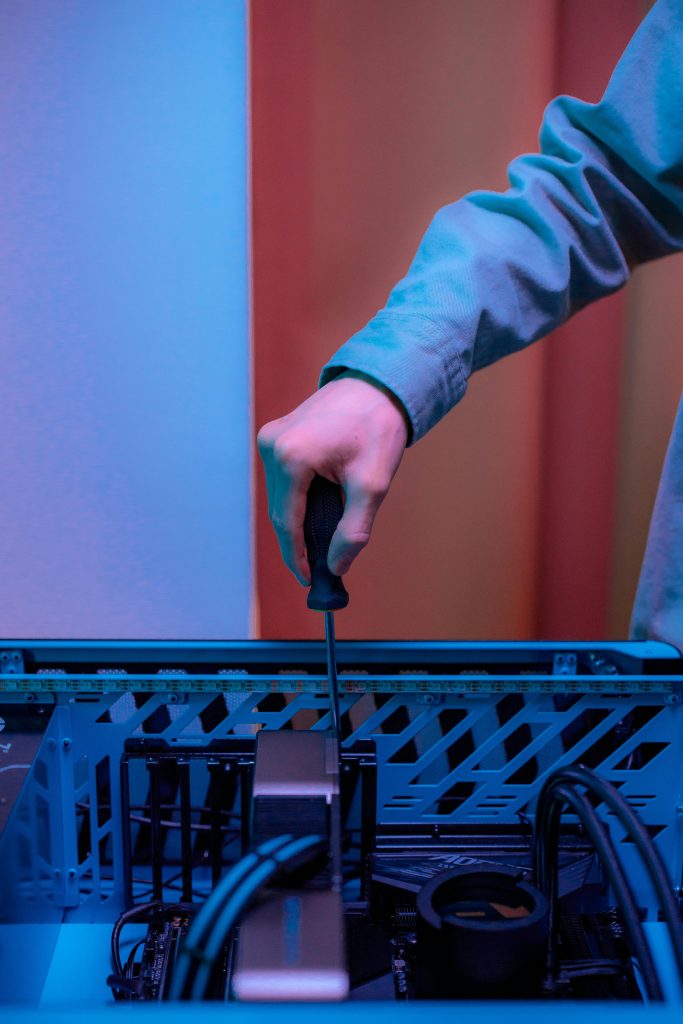
How to Choose Between Repairing and Upgrading Your Device in 2026
Technology moves fast, and in 2026 it feels faster than ever. New phones, laptops, and tablets come out every year with better cameras, smarter software, and faster performance. At the same time, repair costs are rising and many people are asking the same question: should I repair my current device or upgrade to a new one? This guide will help you make a smart, practical decision. We will break it down based on device age, repair cost, performance needs, and features. By the end, you will know when repairing makes sense and when upgrading is the better investment.
Why This Decision Matters More in 2026
Replacing a device is expensive. Repairing one can also cost more than it used to, especially for newer models with sealed parts. Making the wrong choice can waste money, time, and data.
Choosing between device repair and upgrading is not just about cost. It is also about how you use your device, how long you plan to keep it, and whether it still meets your daily needs.
Start With the Age of Your Device
Devices Less Than 2 Years Old
If your device is under two years old, repair is usually the best option. Common issues like cracked screens, battery replacement, charging port problems, or software errors are often affordable to fix. Most newer devices still receive software updates and security patches, which means they are safe and usable after repair. In 2026, repairing a newer device almost always makes financial sense unless the damage is extreme.Devices 3 to 4 Years Old
This is the decision zone. At this age, your device may still work fine for basic tasks but could be slowing down. Repairs can extend its life, but you need to compare repair cost with upgrade value carefully. Ask yourself:- Is the device still getting updates?
- Does it handle your daily apps smoothly?
- Is the repair cost reasonable compared to a new device?
Devices 5 Years or Older
For most users, upgrading is usually the smarter choice. Older devices may no longer receive security updates, which puts your data at risk. Replacement parts may also be harder to find or more expensive. Even if you repair it, performance and compatibility issues may continue. In this case, putting money toward a new device often gives better long term value.Compare Repair Cost vs Upgrade Cost
When Repairing Makes Sense
Device repair is a good option if:- The issue is isolated, like a screen or battery problem
- Repair cost is significantly lower than buying new
- The device still meets your performance needs
- You want to avoid data transfer and setup hassle
When Upgrading Is the Better Choice
Upgrading makes sense if:- Repair cost is close to or higher than half the price of a new device
- Multiple components are failing
- The device struggles with modern apps
Think About Performance and Features
Do You Really Need New Features
In 2026, many new devices focus on AI features, improved battery efficiency, and enhanced security. While these upgrades are useful, not everyone needs them immediately. If your current device handles work, browsing, video calls, and streaming without issues, repairing it may be enough.When Features Justify an Upgrade
You may want to upgrade if:- Your job requires heavy multitasking or creative software
- You rely on advanced camera or video features
- Your device cannot support newer operating systems
- Battery life is poor even after replacement
Environmental and Practical Considerations
Repairing a device reduces electronic waste and is often more sustainable. Many people in 2026 choose device repair not just to save money but to reduce environmental impact. Upgrading, however, can be practical if it improves productivity and reliability. The key is making a conscious choice rather than upgrading out of habit.
Actionable Checklist Before You Decide
Step 1: Get a Professional Diagnosis
A proper inspection helps you understand the real issue and cost.Step 2: Compare Costs Honestly
Compare repair cost with the total cost of a new device, not just the sticker price.Step 3: Evaluate Your Usage
Be honest about how you use your device daily.Step 4: Think Long Term
Ask how long the repair or upgrade will realistically last you.FAQs About Device Repair
Is device repair worth it in 2026
Yes, device repair is worth it when the device is relatively new and the repair cost is reasonable. It can extend the life of your device by years.How do I know if my device is too old to repair
If your device no longer receives security updates, struggles with basic tasks, or needs multiple repairs, upgrading is usually better.Does repairing affect device performance
A proper repair can restore performance, especially for issues like battery replacement or storage problems.Is repairing cheaper than upgrading
In many cases, yes. Especially for screen repairs, battery replacement, and minor hardware issues.FAQs About Techtronics
Techtronics is a professional device repair business specializing in smartphones, tablets, and laptops. They focus on reliable repairs and honest recommendations.
Yes. Techtronics provides honest assessments to help customers decide whether device repair or upgrading makes more sense for their situation.
Techtronics repairs phones, laptops, tablets, and other common consumer devices across major brands.
Choosing between repairing and upgrading your device in 2026 does not have to be stressful. By looking at device age, repair cost, performance needs, and future use, you can make a decision that saves money and avoids frustration.
When in doubt, start with a professional device repair evaluation. A clear diagnosis and honest advice can help you decide whether to fix what you have or invest in something new with confidence.
Top-tier Smartphone, Computer, Laptop Repair, and Data Recovery Services in NYC
At Techtronics, we offer professional, reliable, and fast service at competitive prices. Techtronics specializes in all aspects of electronic repair. With certified repair specialists skilled in integrated circuit board repair.
We stand behind our work with a 60-day guarantee. If anything goes wrong, bring it back, and we’ll make it right.
Contacts
Trains Nearby:
- F,B,D,M,Q,N,R,W @ 34 St- Herald Sq
- 1,2,3,A,C,E @ 34 St- Penn Station
- N,Q,R,W,7 @ Times Sq- 42 St
- A,C,E,1,2,3 @ 42 St- Port Authority Bus Terminal
- 7 @ 34th St-Hudson Yards
Address: 248 W 35th St, New York, NY 10001
Contact: (212) 920-6533
Email: hello@techtronicsmobile.com
Open Hours
Monday-Friday 11AM-7PM
Saturday 11AM-6PM
Sunday 12PM-6PM
Contacts
Trains Nearby:
- C,B @ 96 St
- 1,2,3 @ 96 St
- C,B @ 103 St
- 1 @ 103 St
Address: 2578 Broadway, New York, NY 10025
Contact: (212) 960-8785
Email: hello@techtronicsmobile.com
Open Hours
Monday-Saturday 11AM-7PM
Sunday 12PM-7PM
Contacts
Address: 248 W 35th St, New York, NY 10001
Contact: (212) 920-6533
Email: hello@techtronicsmobile.com
Open Hours
Monday-Friday 11AM-7PM
Saturday 11AM-6PM
Sunday 12PM-6PM
Trains Nearby:
- F,B,D,M,Q,N,R,W @ 34 St- Herald Sq
- 1,2,3,A,C,E @ 34 St- Penn Station
- N,Q,R,W,7 @ Times Sq- 42 St
- A,C,E,1,2,3 @ 42 St- Port Authority Bus Terminal
- 7 @ 34th St-Hudson Yards
Contacts
Address: 2578 Broadway, New York, NY 10025
Contact: (212) 960-8785
Email: hello@techtronicsmobile.com
Monday-Saturday 11AM-7PM
Sunday 12PM-7PM
Trains Nearby:
- C,B @ 96 St
- 1,2,3 @ 96 St
- C,B @ 103 St
- 1 @ 103 St