
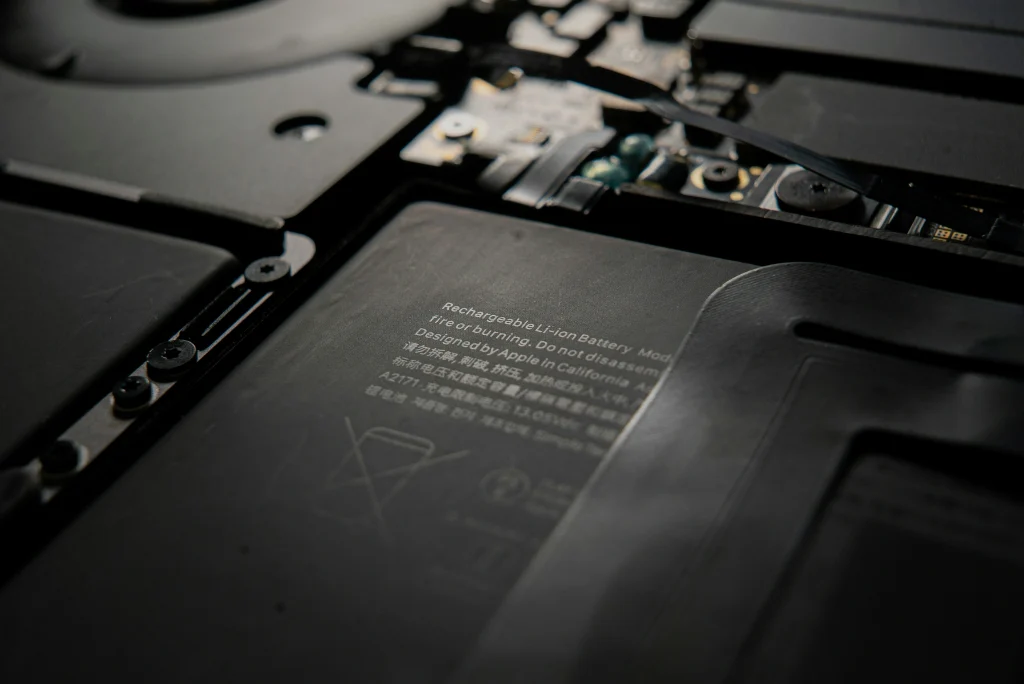
Laptop batteries don’t last forever—and when they start to swell, it’s a serious issue that needs your attention right away. A swollen laptop battery isn’t just annoying; it can be dangerous too. Knowing the signs and what to do can save your laptop and even protect you from injury.
In this guide, we’ll break down how to tell if your laptop battery is swollen, what to do next, and how to stay safe.
What Is a Swollen Laptop Battery?
A swollen battery is usually the result of gas buildup inside the battery. This often happens when a lithium-ion battery becomes damaged, overheated, overcharged, or simply reaches the end of its life.
When this happens, the battery expands—sometimes visibly—and can put pressure on other parts of your laptop, causing damage or safety risks.
Signs Your Laptop Battery Might Be Swelling
1. Your Laptop Looks Puffy or Misshaped
Check the shape of your laptop. If you notice:
- The keyboard looks raised
- The bottom panel bulges
- The screen won’t close properly
- Your trackpad feels weird or sticks up
These are classic signs of a swollen battery.
2. It Wobbles on a Flat Surface
Set your laptop down on a desk. If it doesn’t sit evenly anymore or rocks side to side, your battery might be pushing the bottom panel out of shape.
3. Your Trackpad or Keyboard Stops Working Properly
Swelling can put pressure on internal components, causing input issues. If your trackpad or keyboard isn’t working like it used to, swelling might be the culprit.
4. You Hear a Popping Sound or Smell Something Funny
Any chemical smell, hissing, or popping sound from your laptop could mean the battery is leaking or rupturing. Turn it off immediately and unplug it.
What to Do If Your Laptop Battery Is Swelling
If you notice any of the signs above, here’s what you should do right away:
Step 1: Power It Down
Shut off your laptop completely. Don’t just put it to sleep.
Step 2: Unplug It
Remove the charger and keep it off.
Step 3: Move It to a Safe Spot
Place your laptop on a hard, non-flammable surface—like a tile floor or concrete—in a well-ventilated area. Avoid soft surfaces like beds or couches.
Step 4: Don’t Try to Puncture or Squeeze the Battery
Swollen batteries are very sensitive and could leak or catch fire. If you’re not trained in repairs, don’t try to open the laptop yourself.
Can You Fix a Swollen Laptop Battery?
No—swollen laptop batteries cannot be repaired. They need to be replaced entirely. It’s best to bring your laptop to a professional repair service like Techtronics, where trained technicians can safely remove and replace the battery using the correct tools and parts.
How to Prevent Laptop Battery Swelling
Prevention is always better than repair. Here are a few smart habits:- Avoid leaving your laptop plugged in all the time
- Use the original charger or a compatible one
- Keep it cool—don’t use your laptop on soft surfaces that trap heat
FAQs About Laptop Battery Replacement
How long does a laptop battery last?
Most laptop batteries last between 2 to 4 years, depending on how often and how heavily you use your device.
Can I replace the laptop battery myself?
While some laptops allow easy battery access, many newer models require professional disassembly. For safety reasons—especially with swelling—it’s best to let a technician handle it.
How much does a laptop battery replacement cost?
Battery replacements for a laptop will vary widely depending on make and model. Most laptop batteries start at $129 but ultimately depends on factors such as: cost of part, difficulty of replacement, and quality of part (OEM or aftermarket).
Is it safe to use a laptop with a swollen battery?
No, it’s not safe. Continuing to use it could damage your laptop or pose a fire risk.
Where can I safely dispose of a swollen battery?
Do not throw it in the trash. Take it to a certified battery recycling facility such as your local recycling center or big box retailers such as Best Buy or Staples.
FAQs About Techtronics Repair Services
What is Techtronics?
Techtronics is a professional electronics repair service specializing in smartphones, tablets, laptops, and accessories. We offer expert repairs using quality parts, fast turnaround times, and friendly service.
Do you offer laptop battery replacement?
Yes, we do! Techtronics provides battery replacement services for all major laptop brands—Apple, Dell, HP, Lenovo, Asus, Acer, and more.
Where is Techtronics located?
We’re based in NYC, with multiple service centers. You can also book online via https://techtronicsmobile.com.
Visit Us At:
Midtown Manhattan
248 W 35th St FL1, New York, NY 10001
Near Penn Station, Hudson Yards, Times Square
Upper West Side
2578 Broadway, New York, NY 10025
Near Columbia University and Central Park West
Do you offer warranty on battery replacements?
Absolutely! All battery replacements come with a manufacturer 60 day warranty.
Final Thoughts
If your laptop battery is swollen, don’t ignore the signs. Stop using it, unplug it, and get it checked by professionals. Battery swelling is a real risk, but with quick action and expert help from services like Techtronics, you can get your laptop back to working safely in no time.
Need help today? Visit TechtronicsMobile.com or drop by one of our service centers.