
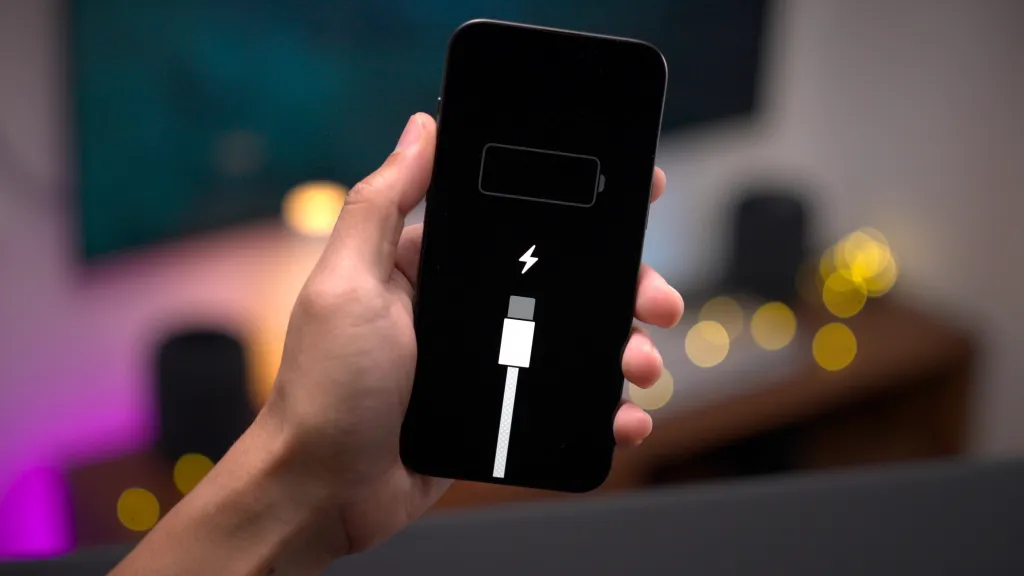
There’s nothing more frustrating than grabbing your phone, expecting it to be ready for the day, only to find it’s barely holding a charge; or worse, not charging at all. Whether you’re using an iPhone, Samsung, or any other smartphone, this issue can pop up out of nowhere.
The good news? Many charging problems can be fixed without replacing your phone. Let’s break down why this happens and how to troubleshoot it like a pro.
Common Reasons Why Your Phone Is Not Charging
Before panicking or rushing to buy a new device, it’s worth knowing the most common causes:
1. Faulty Charging Cable or Adapter
One of the biggest culprits is a damaged charging cable or wall adapter. Even a small tear in the wire or a bent connector can stop the current from flowing.
2. Dirty Charging Port
Pocket lint, dust, or tiny debris in the charging port can block the connection between your charger and phone.
3. Battery Health Decline
Over time, batteries lose their ability to hold a charge. If your phone battery is old, it might drain quickly or refuse to charge fully.
4. Software Glitches
Sometimes, the problem isn’t hardware, it’s the software. Bugs or glitches can interrupt charging functions. Try a soft reboot by power cycling the phone.
5. Damaged Charging Port
A loose or damaged charging port will stop your phone from recognizing the charger.
6. Overheating
Phones protect themselves from charging when they get too hot, which can happen if you’re charging in direct sunlight or using heavy apps while plugged in.
Step-by-Step Fixes for a Phone Not Charging
Step 1: Check the Charging Cable and Adapter
- Test with a different cable and adapter.
- Use an original or certified charger for your device.
- Avoid using cheap knock-offs, they can damage your battery.
Step 2: Clean the Charging Port
- Power off your phone.
- Use a flashlight to inspect the port.
- Gently remove debris with a soft toothpick or compressed air (never use metal objects).
Step 3: Restart or Update Your Phone
- Restarting can fix minor software bugs.
- Go to Settings > Software Update and install any pending updates.
Step 4: Cool Down Your Phone
- If your phone feels hot, unplug it and let it cool before trying again.
Step 5: Try Wireless Charging (If Supported)
- If wireless charging works but wired doesn’t, it may confirm a damaged charging port.
Step 6: Get a Professional Repair
- If you’ve tried everything and your phone still won’t hold a charge, the issue might be deeper, like a failing battery or damaged internal components. That’s when you need an expert.
Why Professional Repair is the Best Option
DIY fixes are fine for minor issues, but when it comes to battery replacement or charging port repair, it’s best to leave it to a professional. Techtronics specializes in fast and reliable smartphone repairs, including:
- Charging port replacement
- Battery replacement
- Logic board repairs
- Same-day service in most cases
FAQs About Phone Not Charging
Q: How do I know if my phone’s charging port is broken?
A: If your phone only charges at certain angles, charges slowly, or doesn’t charge at all despite using a good cable, the port might be damaged.
Q: Can I fix a phone battery that won’t hold a charge?
A: Sometimes recalibrating the battery works, but in most cases, an old or damaged battery needs replacing.
Q: Why does my phone say “charging” but the battery percentage doesn’t go up?
A: This can happen due to a bad battery, overheating, or a malfunctioning charging chip.
Q: Is it safe to use my phone while charging?
A: Yes, but it may slow down the charging speed and cause overheating if you run heavy apps.
FAQs About Techtronics
Q: What services does Techtronics offer?
A: Techtronics provides expert repairs for smartphones, tablets, laptops, and gaming consoles. Services include screen replacement, battery replacement, charging port repairs, water damage recovery, and more.
Q: How fast can Techtronics repair my phone?
A: Many repairs, including charging port and battery replacements, can be done the same day, oftentimes within an hour.
Q: Do I need an appointment?
A: Walk-ins are welcome, but scheduling an appointment ensures faster service.
Q: Where is Techtronics located?
A: Techtronics has multiple locations in New York City, open 7 days a week.
Final Thoughts
A phone that won’t hold a charge or charge at all doesn’t necessarily mean it’s time for a new device. By following the steps above, you can fix many issues yourself. But if the problem is beyond DIY repair, Techtronics is here to get your phone back to life. Fast, affordable, and hassle-free.
Top-tier Smartphone, Computer, Laptop Repair, and Data Recovery Services in NYC
At Techtronics, we offer professional, reliable, and fast service at competitive prices. Techtronics specializes in all aspects of electronic repair. With certified repair specialists skilled in integrated circuit board repair.
We stand behind our work with a 60-day guarantee. If anything goes wrong, bring it back, and we’ll make it right.
Contacts
Address: 248 W 35th St, New York, NY 10001
Contact: (212) 920-6533
Email: hello@techtronicsmobile.com
Open Hours
Monday-Friday 11AM-7PM
Saturday 11AM-6PM
Sunday 12PM-6PM
Contacts
Address: 2578 Broadway, New York, NY 10025
Contact: (212) 960-8785
Email: hello@techtronicsmobile.com
Open Hours
Monday-Saturday 11AM-7PM, Sunday 12PM-7PM
Contacts
Address: 248 W 35th St, New York, NY 10001
Contact: (212) 920-6533
Email: hello@techtronicsmobile.com
Open Hours
Monday-Friday 11AM-7PM
Saturday 11AM-6PM
Sunday 12PM-6PM
Contacts
Address: 2578 Broadway, New York, NY 10025
Contact: (212) 960-8785
Email: hello@techtronicsmobile.com
Open Hours
Monday-Saturday 11AM-7PM, Sunday 12PM-7PM